In this article
Build a waitlist that helps you decide what to launch
Your first email list can be a research channel before it becomes a launch channel. Use it to learn which problem people are trying to solve, what they have already tried, and whether they want help taking the next step. A signup expresses curiosity; it does not establish willingness to pay.
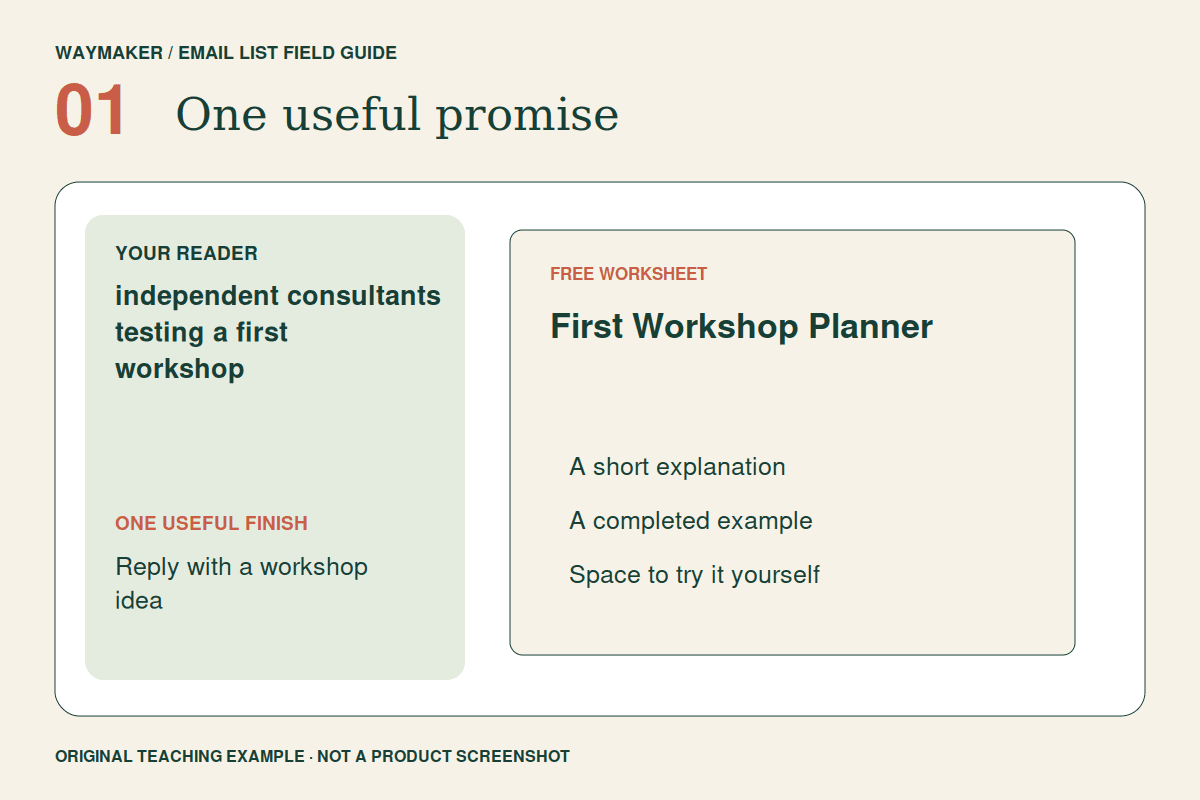
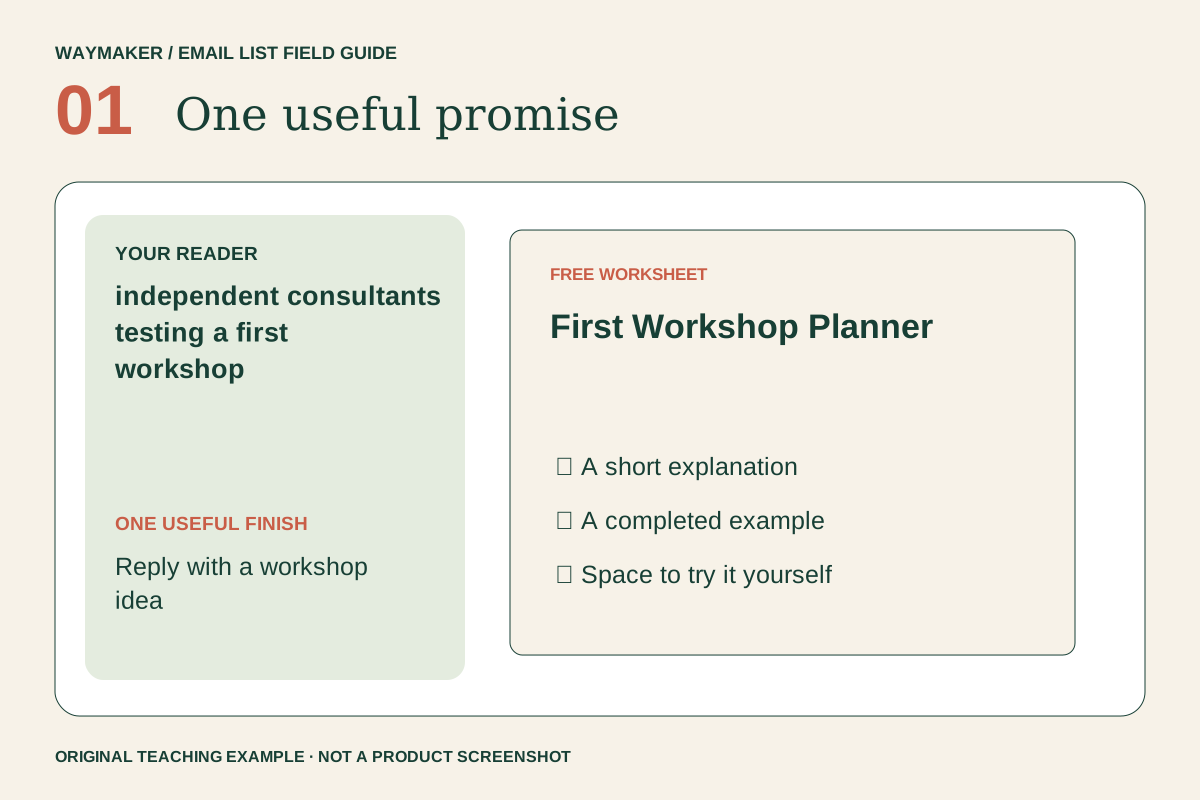
This walkthrough follows an illustrative business: an independent consultant considering a first workshop. The free resource is a First Workshop Planner. The desired response is a reader sharing a workshop idea and the obstacle preventing them from running it. The examples are teaching examples, not reported customer results.
By the end, you will have a planner, a transparent invitation, a delivery email, two follow-ups and a small evidence log. You can use those pieces to decide whether to interview more people, revise the workshop or offer a pilot.
Step 1. Turn a launch assumption into a useful planner
Begin with a question you need answered: “Do independent consultants struggle more with choosing a workshop topic or finding participants?” Design a resource that helps them make progress while revealing that distinction. Avoid making the reader complete a research questionnaire before receiving any value.
The planner needs four boxes: who the workshop serves, what participants will finish, one activity they will complete, and the next obstacle to resolve. Add a worked example: “A 45-minute session where freelance designers draft a project scope.” This is a proposed format, not a scheduled event.
- Ask two intended readers to explain the planner in their own words.
- Watch which box they cannot complete without help.
- Replace unfamiliar language before building a longer workbook.
Your first useful signal is whether someone can use the planner. A beautifully designed download that produces no decision gives you little evidence about the workshop.
Step 2. Invite people into the idea honestly
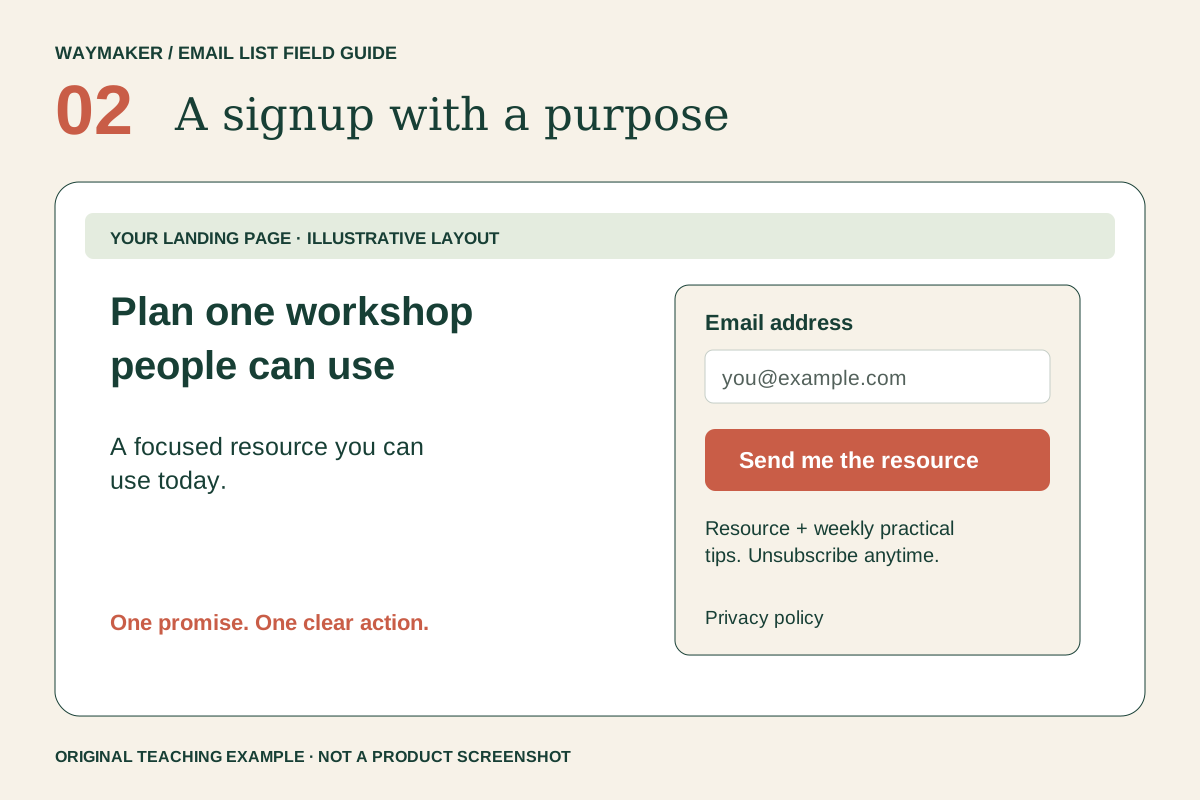
Write the signup page around the result of the planner: “Turn your knowledge into a first workshop outline.” Under it, show the four boxes and describe who it is for. State that the workshop itself is still being developed. Do not imply that joining reserves a seat or guarantees a launch date.
A suitable invitation is: “Get the First Workshop Planner and three short emails about testing your workshop idea. Sent by [your business name]. Unsubscribe whenever you like.” Replace the sender placeholder before publishing and link the privacy notice beside the form.
Ask for the email address needed to deliver the planner. If one question would materially change your follow-up, make it optional: “Which part feels hardest: topic, structure or participants?” Keep that answer attached to the subscriber so you can respond in context.
Step 3. Separate permission from research participation
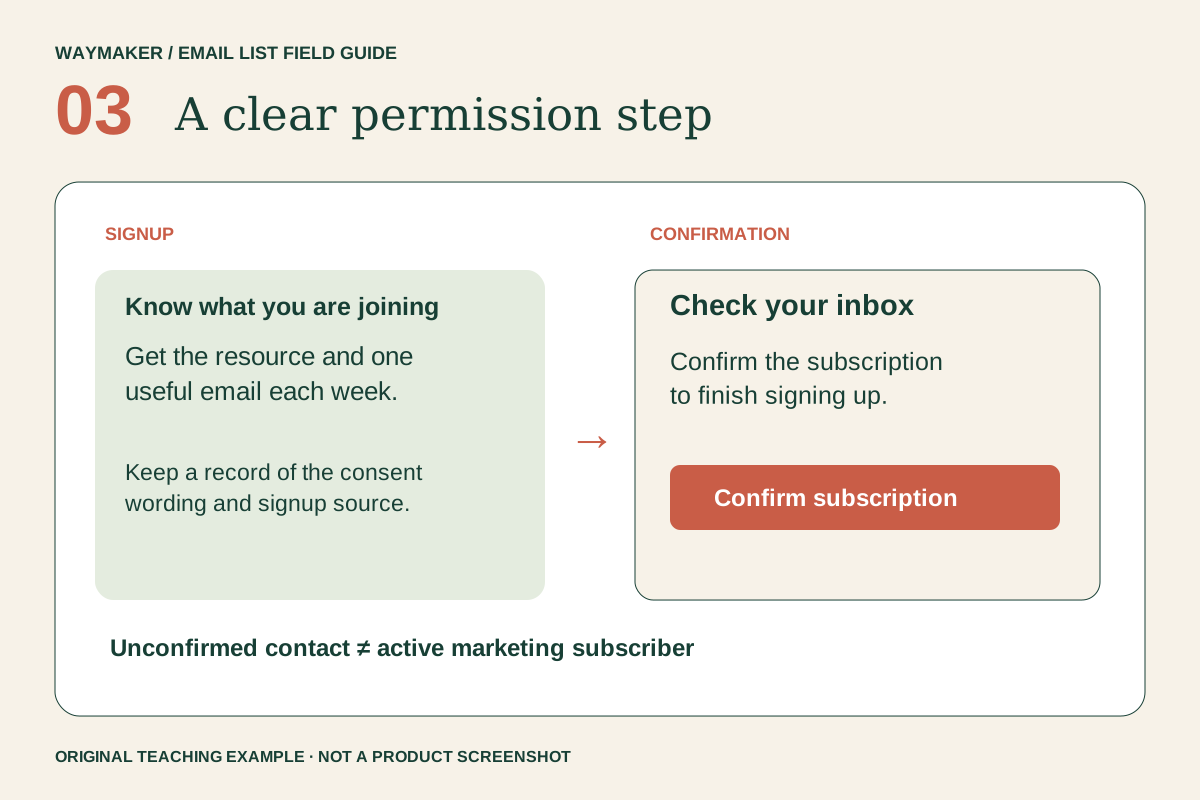
Use a clearly labeled signup action and a confirmation flow appropriate to your email provider. With double opt-in enabled, the confirmation screen should explain that the reader must check their inbox and click the confirmation link. Receiving a form submission is not the same event as becoming a confirmed subscriber.
Test with an address you control. Submit once without confirming and verify that the welcome sequence waits. Then confirm and verify that the planner arrives once. If a form connects through an integration or API, inspect that connection's opt-in setting separately; do not assume it inherits the setting from another form.
Invite interviews separately. Someone agreeing to receive a planner has not agreed to a call, public quotation or case study. Ask for each of those when needed, and make declining easy.
Step 4. Deliver a first win and a research invitation
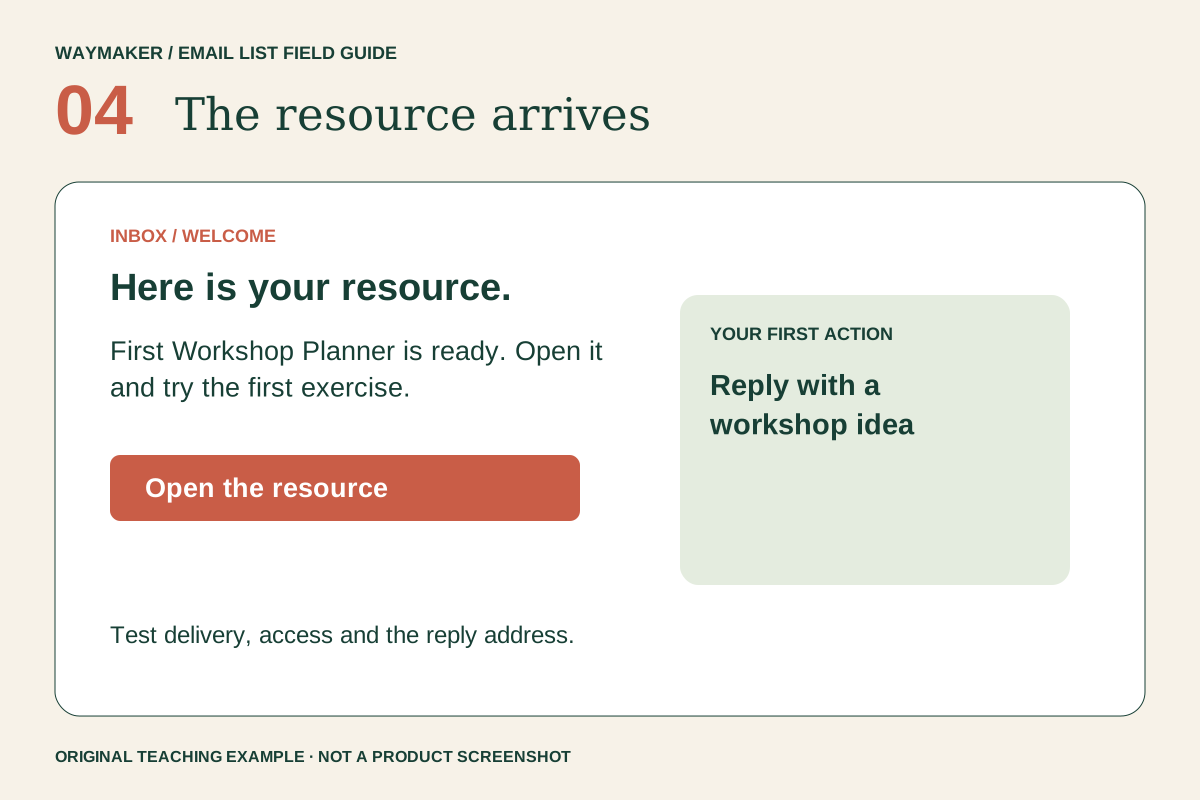
The first email should make the planner easy to find. Use a descriptive link such as “Open your First Workshop Planner.” Avoid requiring a new account to view a simple PDF or document. Check its sharing permissions in a signed-out browser and ensure the text is readable on a phone.
Below the link, give the reader one manageable task: “Complete the audience and outcome boxes first.” Then ask: “What workshop would you like to run, and which part are you stuck on?” A reply gives you language and context that a download count cannot.
Use a real reply-to inbox and decide who will read it. If you promise a personal response, choose a response time you can sustain. Otherwise, describe the invitation without promising individual coaching.
Step 5. Use three emails to learn, teach and invite
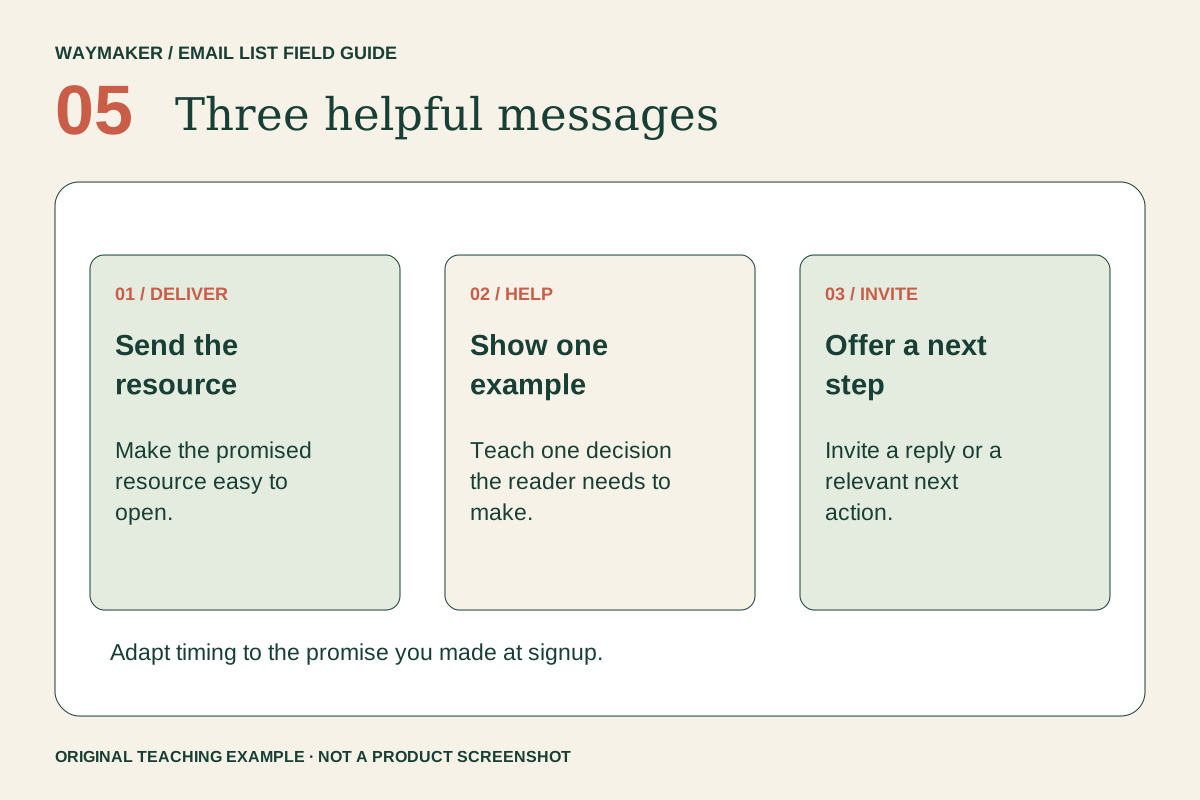
- Email one — the planner: deliver it and ask for the reader's tentative workshop idea. Subject: “Your first workshop outline starts here.”
- Email two — a narrower outcome: show how “teach marketing” becomes “draft one follow-up email.” Ask which outcome would matter to the reader's audience.
- Email three — the next conversation: invite interested readers to help shape a pilot. Explain the proposed format, what is undecided and whether any payment is being requested.
Schedule the second and third messages a few days apart as a starting choice, then adjust to your stated expectations and actual reader responses. Stop promotional follow-ups when someone unsubscribes. Handle a direct reply as a conversation, rather than continuing to send irrelevant reminders.
Step 6. Keep an evidence log before making a launch decision
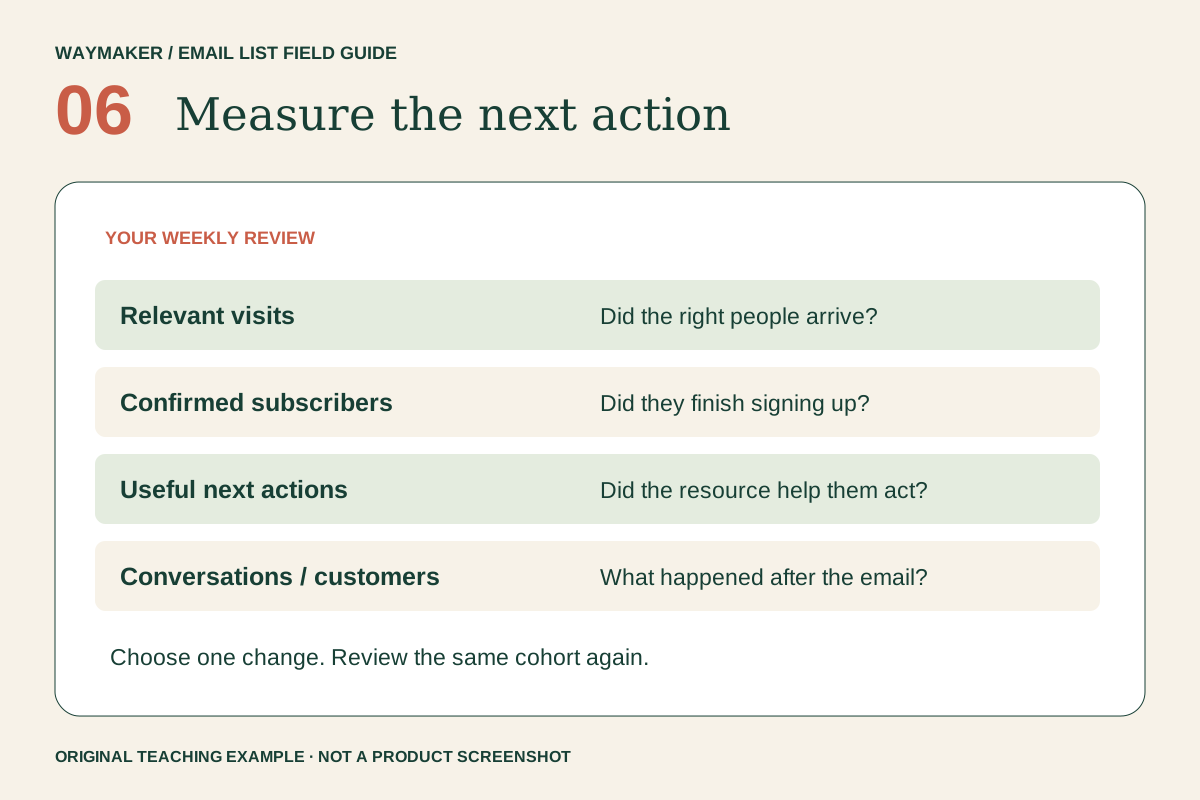
Track people through the journey: relevant visitors, confirmed subscribers, substantive replies, interview volunteers and explicit interest in a described pilot. Record the time period and traffic source. These are different signals; adding them together into a single “interest” total hides what happened.
For each useful reply, note the problem, recent example, current workaround and a possible follow-up question. Keep private details out of shared presentations. Several readers naming the same obstacle is a reason to investigate it, not proof of market size.
- Signups with no replies: simplify the question and review whether the resource attracts the intended audience.
- Useful conversations with different needs: narrow the proposed workshop.
- Repeated requests for a specific outcome: describe a small pilot and ask for a concrete next commitment.
An AI prompt for organizing what you learn
Act as a research assistant. I am exploring a first workshop for [audience]. Below are anonymized notes from real conversations. Group recurring problems, keep contradictory evidence visible, and separate observations from hypotheses. Suggest three neutral follow-up questions. Do not invent demand, customer quotes or willingness to pay. Notes: [paste only appropriate anonymized notes].
Review the output against the original notes. Use it to prepare better questions and a clearer offer; let actual reader behavior determine what you build.
Choose a next step that matches the evidence
Start with an email provider's form and a hosted planner. Add an interactive builder only if branching questions genuinely help the reader or your follow-up. The involve.me example illustrates that option; this guide does not require purchasing it.
Before sharing, check the page promise, confirmation, planner access, reply inbox and unsubscribe path. Include the required sender information in commercial messages and consult the linked email guidance for the rules that apply to your audience.
When the planner and conversations reveal a promising direction, bring the evidence into Waymaker and work through the next business decision. You do not need a large list to begin learning; you need a useful promise and a reliable way to listen.
Sources and further reading
- involve.me — interactive email-list funnels (inspiration)
- MailerLite — confirmation and double opt-in setup
- FTC — commercial email guidance
Sources checked November 8, 2026.
Ready to put this into action? Waymaker helps you go from idea to your first paying customer, with AI doing the heavy lifting alongside you.
Start building free